How to Install IPTV on Mag Box
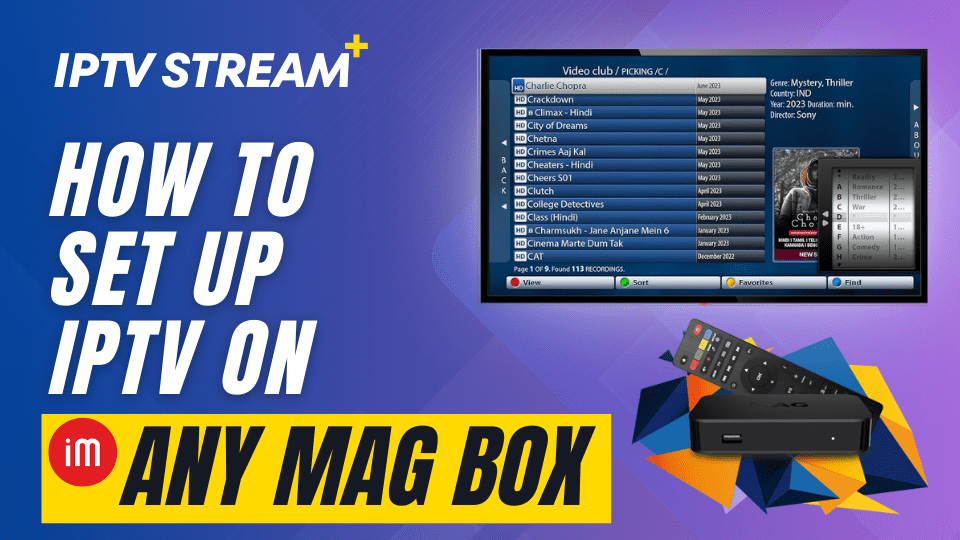
Mag Box is a popular IPTV device that allows users to stream live TV, movies, and on-demand content with ease. Setting up IPTV STREAM PLUS on your Mag Box is simple and fast, providing access to a vast range of channels and content. Follow this step-by-step guide to install IPTV on your Mag Box and start enjoying high-quality streaming.
Step 1: Connect Your Mag Box to the Internet
Before you begin, make sure your Mag Box is properly connected to the internet. You can do this either through a wired Ethernet connection or Wi-Fi, depending on your setup:
- If you’re using Ethernet, connect the cable to your Mag Box and your router.
- If you’re using Wi-Fi, go to Settings on your Mag Box, select Network, and choose your Wi-Fi network. Enter the password to connect.
A stable internet connection is essential for smooth streaming of live TV and video content.
Step 2: Access the Settings Menu
Once your Mag Box is connected to the internet, follow these steps to configure the IPTV portal:
- On your Mag Box remote, press the Menu button to open the main menu.
- Select Settings from the list of options.
- Navigate to System Settings and then select Servers.
- From the Servers menu, choose Portals.
This is where you’ll enter the IPTV portal URL provided by IPTV STREAM PLUS.
Step 3: Enter the IPTV STREAM PLUS Portal URL
Now you need to set up the portal for IPTV STREAM PLUS on your Mag Box:
- In the Portal 1 name field, enter a name like IPTV STREAM PLUS to identify the portal.
- In the Portal 1 URL field, enter the portal URL provided by your IPTV service (usually included in your subscription email from IPTV STREAM PLUS).
Make sure the URL is entered correctly, as any mistake may prevent the portal from loading properly. After entering the URL, press OK to save the settings.
Step 4: Reboot Your Mag Box
After saving the portal information, you’ll need to restart your Mag Box to apply the new settings:
- Navigate back to the main menu.
- Select Restart Portal or simply power off the Mag Box and turn it back on.
Once your Mag Box restarts, it will load the IPTV STREAM PLUS portal, giving you access to all the available live TV channels and content.
Step 5: What to Do If Login Doesn’t Work
If you’re having trouble logging in or setting up IPTV STREAM PLUS on your Mag Box, don’t worry—we can help set it up for you. Simply send us the MAC address of your Mag Box, and we’ll manually configure your account.
- To find your Mag Box’s MAC address, go to Settings > System Information on your device.
- Copy the MAC address (it should look like this: 00:1A:79:XX:XX:XX).
Once you have the MAC address, click here to submit your MAC address and we will set up your account for you. After the setup is complete, simply restart your Mag Box, and you should be able to access IPTV STREAM PLUS without any issues.
Don’t Have an IPTV STREAM PLUS Subscription Yet?
If you haven’t subscribed to IPTV STREAM PLUS yet, click here to sign up. With IPTV STREAM PLUS, you’ll gain access to thousands of channels, including sports, entertainment, news, and international content, all on your Mag Box.
Key Features of IPTV STREAM PLUS on Mag Box
Using IPTV STREAM PLUS on your Mag Box offers a variety of benefits that make it one of the best IPTV services available. Here are some key features:
- Extensive Channel Lineup: Access thousands of live TV channels, covering everything from sports and entertainment to news and international programming.
- HD and 4K Streaming: Enjoy smooth, high-definition streaming, provided your internet connection supports HD and 4K video playback.
- On-Demand Content: Watch movies, TV shows, and other on-demand content at your convenience.
- Multi-Language Support: IPTV STREAM PLUS offers channels in multiple languages, catering to users worldwide.
- User-Friendly Interface: The intuitive interface makes it easy to browse channels, switch between content, and customize your viewing experience.
Troubleshooting Common Issues
If you encounter any issues while setting up IPTV on your Mag Box, here are some quick troubleshooting tips:
- Portal Fails to Load: Double-check the portal URL for any typos. Ensure your internet connection is stable, as a weak connection can prevent the portal from loading.
- Buffering or Slow Streaming: Verify that your internet speed is fast enough for HD or 4K streaming. If buffering persists, try lowering the streaming quality in your settings.
- Remote Control Issues: If your remote control isn’t responsive, try replacing the batteries or resetting the device.
Why Choose IPTV STREAM PLUS?
IPTV STREAM PLUS stands out as one of the best IPTV services for Mag Box users. Here’s why:
- Vast Content Library: IPTV STREAM PLUS offers access to a comprehensive library of channels, movies, and on-demand content, including the latest releases.
- Affordable Subscription Plans: Enjoy high-quality IPTV content at competitive prices, with no hidden fees or long-term contracts.
- Global Access: Whether you’re in North America, Europe, or elsewhere, IPTV STREAM PLUS ensures access to channels from around the world.
- 24/7 Customer Support: Receive prompt assistance from their dedicated support team if you encounter any issues or need help with your setup.
FAQs
How do I subscribe to IPTV STREAM PLUS?
You can subscribe by visiting the IPTV STREAM PLUS website and choosing the subscription plan that suits your needs.
Can I use IPTV STREAM PLUS on other devices besides Mag Box?
Yes, IPTV STREAM PLUS is compatible with a wide range of devices, including Android boxes, smartphones, tablets, and more.
Why is my Mag Box not loading the IPTV portal?
Check that the portal URL is entered correctly and that your internet connection is stable. Restart your Mag Box if the issue persists.
Is IPTV STREAM PLUS available in HD and 4K?
Yes, IPTV STREAM PLUS supports HD and 4K streaming, as long as your internet connection can handle these video qualities.
Conclusion
Setting up IPTV on your Mag Box is a straightforward process that allows you to enjoy the full range of live TV and on-demand content available through IPTV STREAM PLUS. With this easy-to-follow guide, you’ll be streaming in no time. If you haven’t yet subscribed to IPTV STREAM PLUS, sign up today and unlock a world of entertainment on your Mag Box.