How to Set Up IPTV on Roku TV
Step 1: Install the IPTV Pro App
-
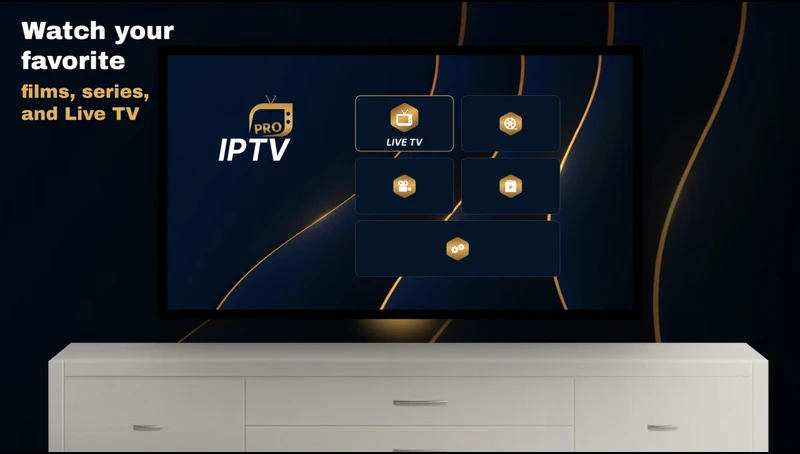
- Turn on your Roku TV and navigate to the Roku Channel Store.
- In the search bar, type IPTV Pro and press Enter.
- Locate the app in the search results and select Add Channel.
- Wait for the app to install. Once done, it will appear on your Roku TV’s home screen.
Note: Make sure your Roku device is connected to the internet to access the Channel Store and download apps.
Step 2: Place Your Order
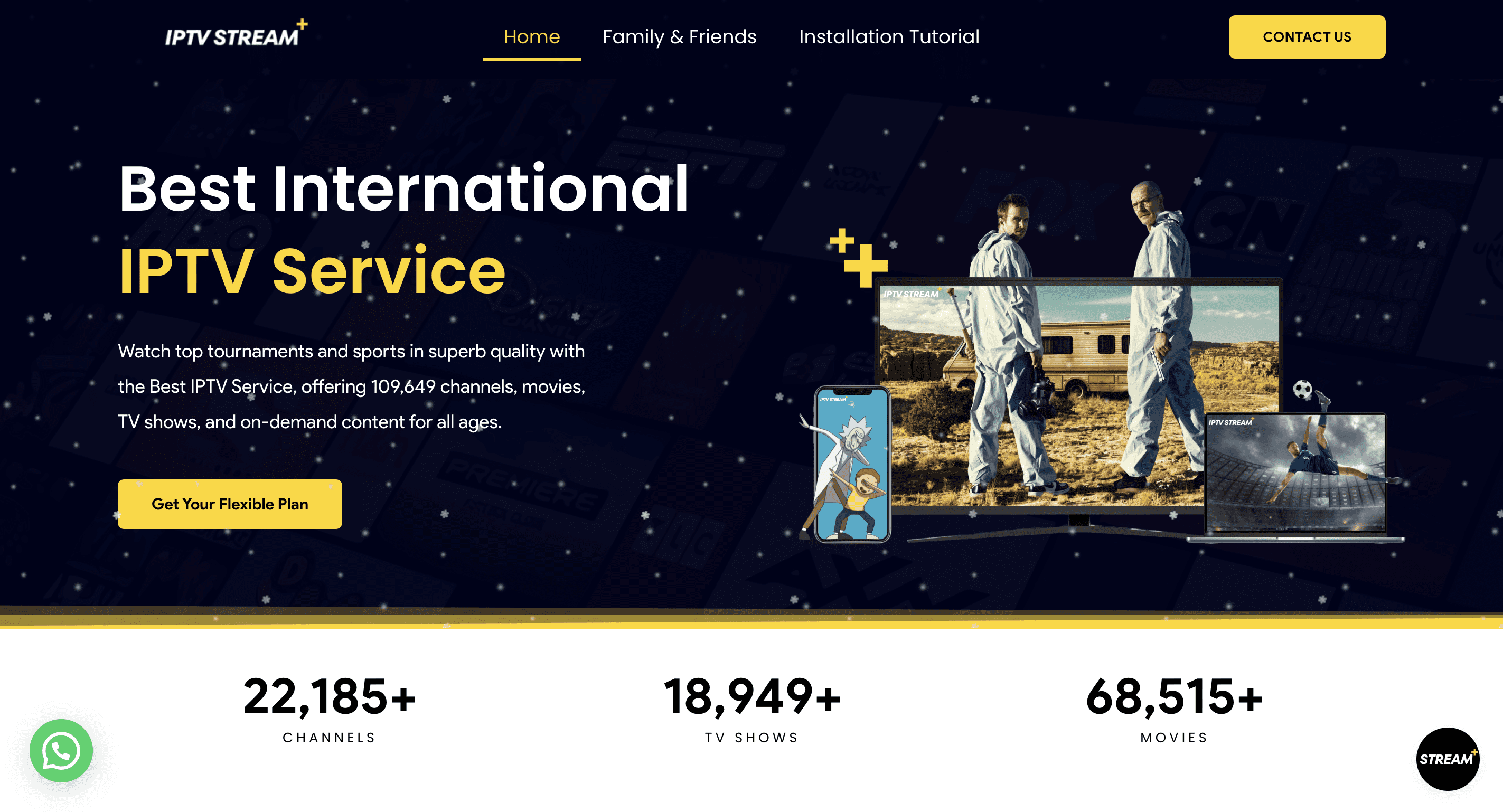
To get started with IPTV Stream Plus, you must first place your order. Visit our official website by clicking here, choose the plan that fits your needs, and complete the checkout process.
Step 3: Send Us Your Roku TV Screenshot
After placing your order, open the IPTV application on your TV. Take a picture of the screen showing the MAC Address and Device Key. Send this screenshot to us either via email at [email protected] or through WhatsApp at +1 (365) 398-8307. Once we receive this information, we’ll connect your TV to our IPTV service as quickly as possible.
Additional Features of IPTV STREAM PLUS
- Extensive Library: Stream thousands of live channels, movies, and shows worldwide.
- High-Quality Streaming: Enjoy HD and 4K streaming with minimal buffering.
- Multi-Device Support: Use IPTV STREAM PLUS on Roku TV, Android devices, smart TVs, and more.
- User-Friendly Interface: Navigate content with ease using the IPTV Pro app.
- Reliable Support: Get help whenever you need it with 24/7 customer service.
Troubleshooting Common Issues
- App Installation Error: Ensure your Roku TV has a stable internet connection. Restart the device and try again.
- Buffering: Verify your internet speed and reduce video quality if needed.
Why Choose IPTV STREAM PLUS?
- Affordable Plans: Choose a subscription that fits your budget without compromising quality.
- Global Access: Watch international channels and content from anywhere in the world.
- Customizable Options: Tailor your IPTV experience to suit your preferences.
FAQs
Do I need a subscription for IPTV STREAM PLUS?
Yes, a subscription is required to access the content. You can subscribe here.
Is the IPTV Pro app free to download?
Yes, the IPTV Pro app is free to download from the Roku Channel Store but requires an activation fee after the 7 days trial.
Can I use IPTV STREAM PLUS on other devices?
Yes, IPTV STREAM PLUS is compatible with various devices, including Android, smart TVs, and PCs ..etc.
Conclusion
Installing and using IPTV STREAM PLUS on Roku TV with the IPTV Pro app is quick and easy. By following this tutorial, you can enjoy access to all our high-quality live TV, movies, and more in no time. Subscribe to IPTV STREAM PLUS today for the best IPTV experience!